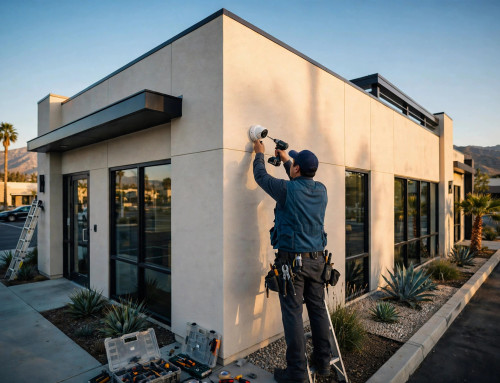
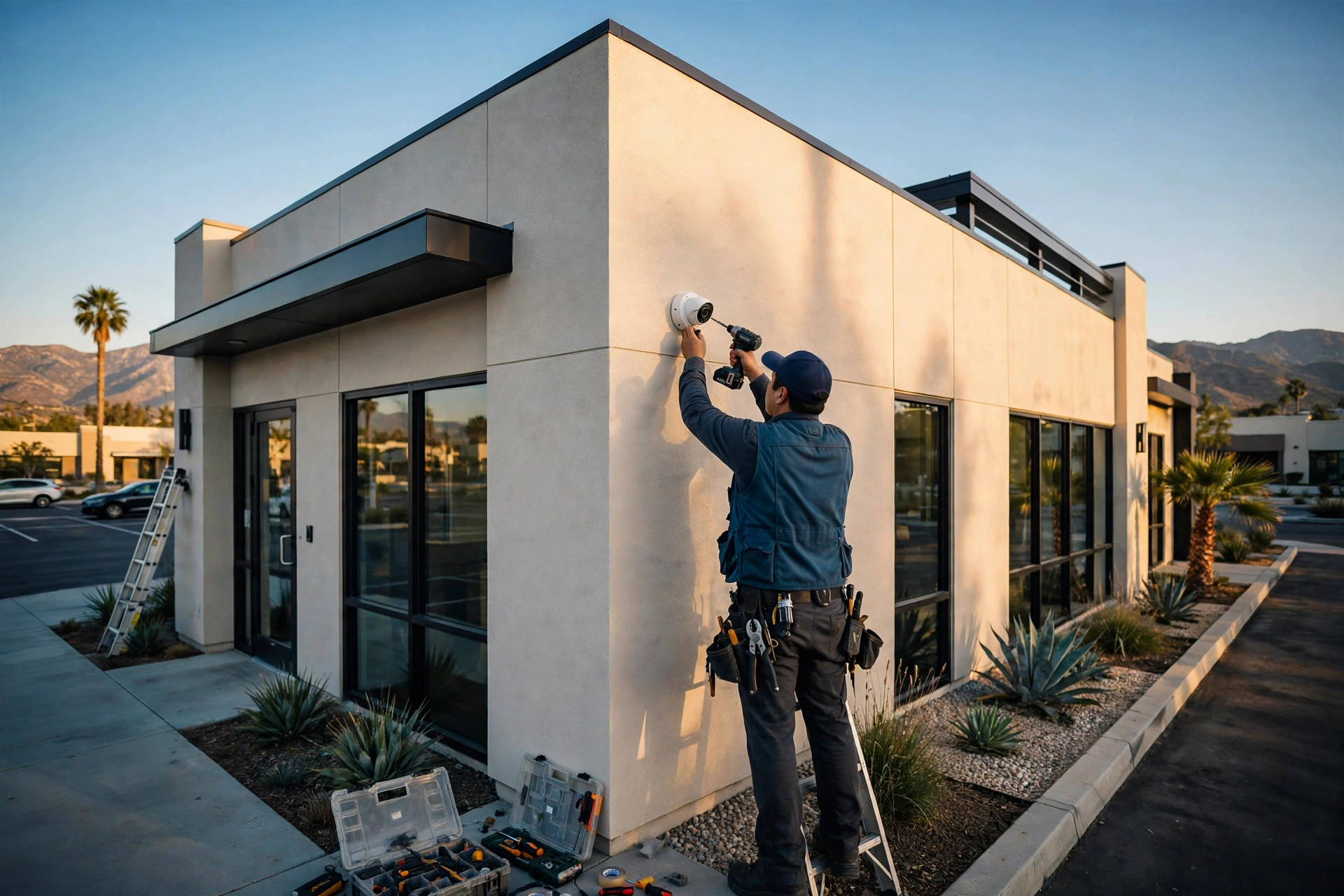
A business security camera system in Riverside, CA costs $300 to $1,500 per camera installed. Most standard commercial IP cameras land between $500 and $900 each, so an 8-camera system typically totals $3,000 to $9,000 installed — cameras, cabling, recording, and setup included.
What a business camera system includes
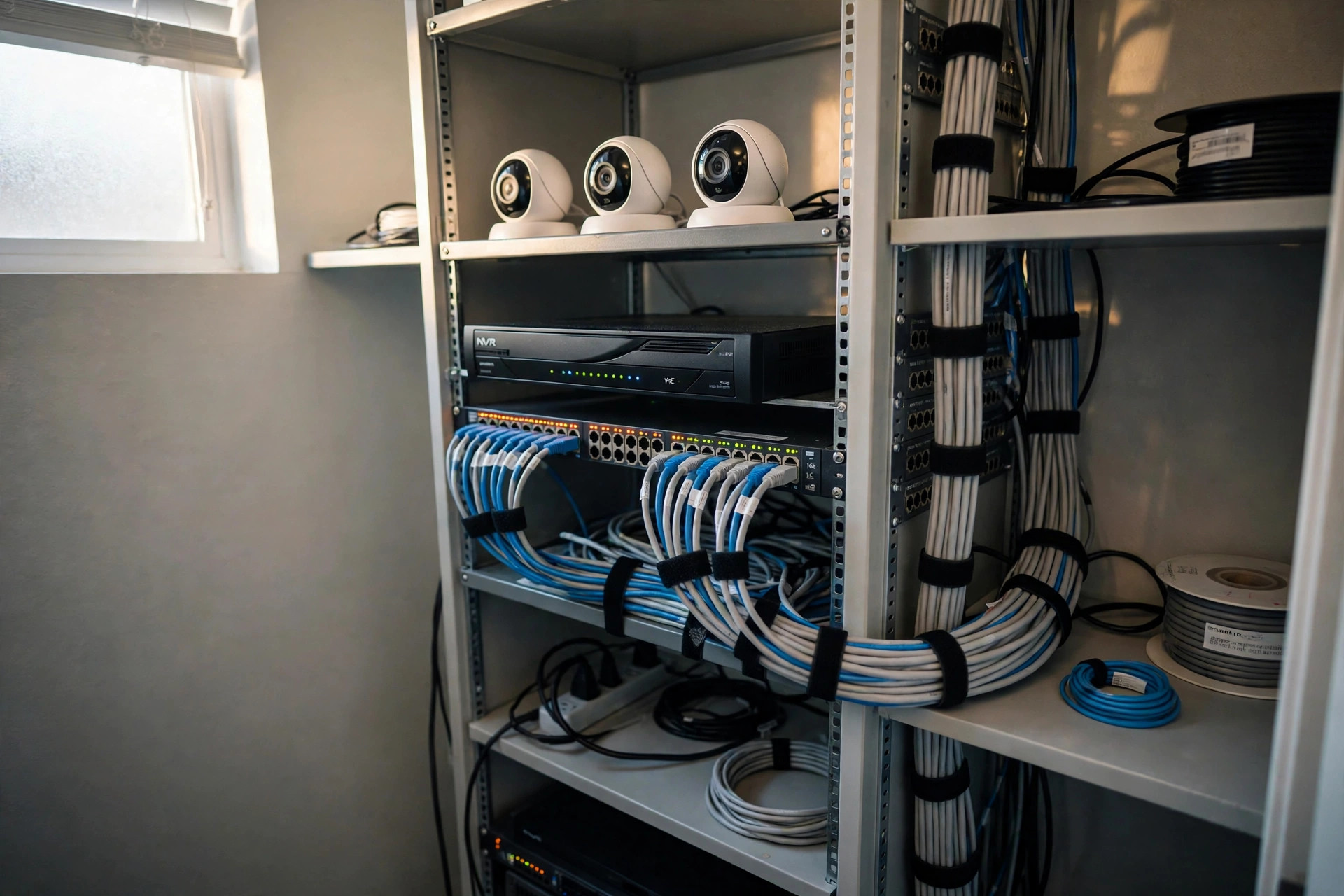
A real business system is more than a few cameras on a wall. A typical install includes the cameras themselves, a recorder (an on-site NVR or a cloud recorder), a PoE switch and network cabling to power and connect everything, storage sized to how long you need to keep footage, and remote viewing on your phone or office computer. Install, aiming, and a walkthrough of the viewing app are part of the job, not extras.
What does it cost? Typical installed prices
4 cameras: $1,200 – $5,000. 8 cameras: $3,000 – $9,000. 16 cameras: $6,000 – $18,000. 32 cameras: $12,000 – $36,000. These are typical ranges for commercial IP cameras in 2026. The exact number for your building comes from a site walk — camera count, cable runs, and storage needs set the real price, and any honest quote starts with looking at the site.
What moves the price
A few things push a system up or down: indoor vs. outdoor (outdoor cameras cost more — weatherproof housings, mounts, and longer cable runs); camera quality (a basic 1080p dome is the low end; 4K, night vision, and audio add cost per camera); cable runs (a camera right above the network closet is cheap; a camera at the far end of a warehouse, through conduit, is not); how long you keep footage (30 days of storage is standard; 60 or 90 days means bigger hard drives); NVR vs. cloud (an on-site NVR is a one-time hardware cost; cloud recording is a monthly fee per camera, but the footage lives off-site and remote access is simpler).
NVR or cloud — which one?
Most Riverside small businesses pick an on-site NVR: no monthly fee, footage stays in the building, and it works even if the internet goes down. Cloud recording fits businesses with more than one location, or owners who want to check cameras from anywhere without managing hardware. Either way, the cameras and cabling are the same — only where the video is stored changes.
How long does installation take?
A 4- to 8-camera system usually takes 1 to 2 days. A 16-camera or larger job takes 2 to 4 days, depending on cable runs and whether your business stays open while the work happens. Most of the time is cabling, not the cameras themselves.
A local installer, not a call center
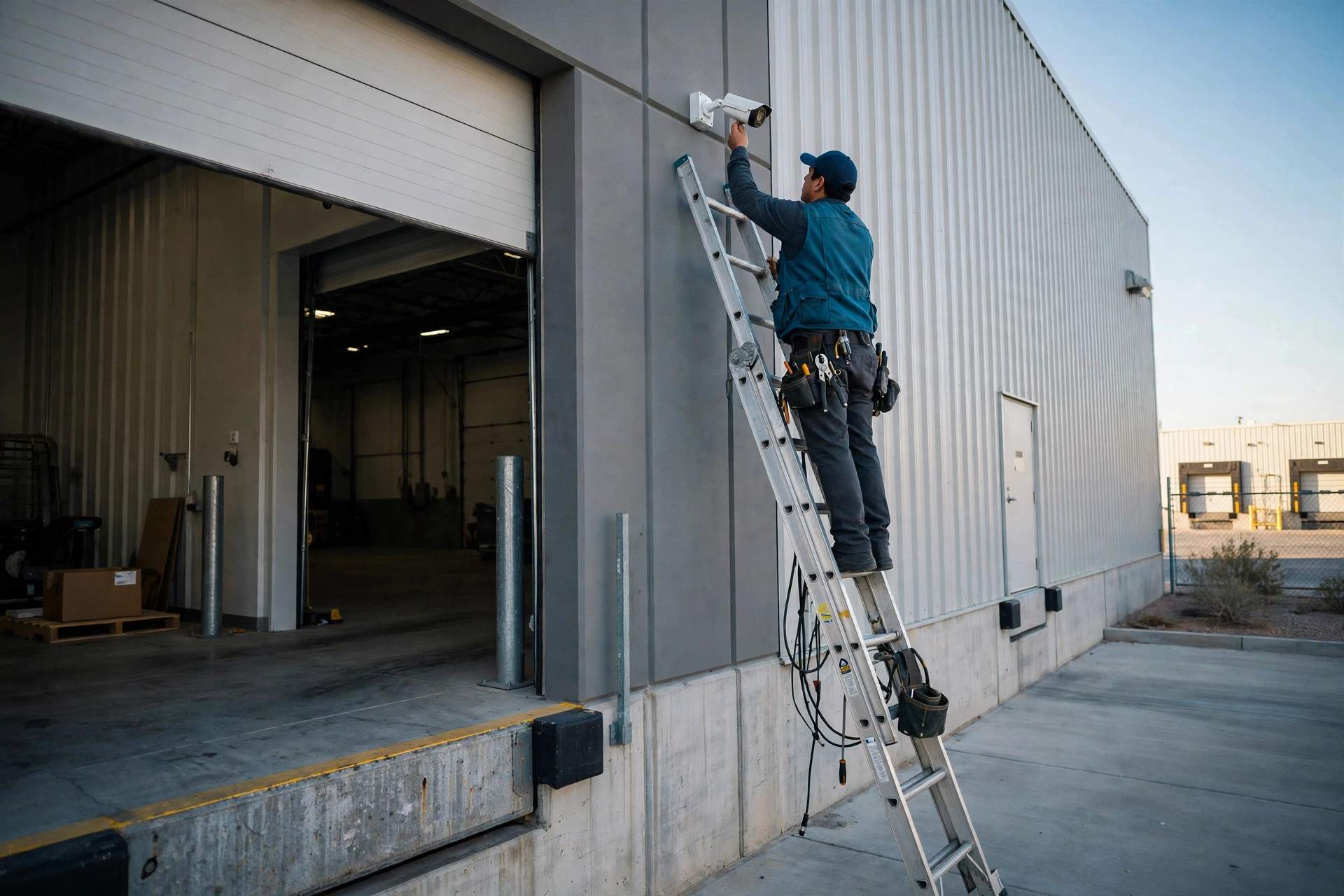
Inland Empire IT Services is based in Colton, and the owner is on every job. That means same-day on-site visits in Riverside and across the Inland Empire, and one company for the whole system — cameras, network cabling, and business WiFi together, instead of three vendors pointing at each other.
Call Inland Empire IT Services at (909) 556-3532 for a free on-site security camera quote in Riverside.